 Cleanvix
Storage Cleaner
App cache, leftover APK installers, empty folders, and stale screenshots/downloads — found with a real per-app storage scan, not a size guess.
Android · runs entirely on your device
No fabricated cleanup totals, no invented battery estimates, no background analytics. Cleanvix reads your storage, battery, and installed apps directly from Android's own APIs — and where it genuinely can't measure something yet, it says unknown instead of guessing.
What's inside
The same tool grid you'll find on Cleanvix's Home screen — each one reading straight from an Android system API, not a cached estimate.
App cache, leftover APK installers, empty folders, and stale screenshots/downloads — found with a real per-app storage scan, not a size guess.
MD5 content hashing catches byte-identical duplicates; a Laplacian-variance pass flags genuinely out-of-focus shots — not just similar filenames.
Every cleanup moves real files into an on-device bin first. Nothing "Clean Now" removes is actually gone for 7 days.
Sorted straight from Android's MediaStore by actual file size — the biggest space users on your phone, ranked honestly.
Real per-app storage stats, granted-permission list, and last-used date for every installed app — plus a callout for what's gone untouched 90+ days.
Hours-remaining comes from your own measured discharge rate. Shown as "calculating…" until there's enough real data — never a guess.
Daily and 7-day usage read straight from Android's UsageStatsManager, with a weekly trend chart.
See exactly which sensitive permissions — camera, microphone, location, contacts, SMS — each installed app was actually granted.
Browse, rename, zip/unzip, and delete freely — guarded by a hard-coded refusal to touch system or protected paths.
Model, Android version, security patch level, RAM, CPU cores & architecture, storage — read live from the OS, every time you open it.
Projects the day your storage actually runs out from your own fill-rate history, plus a Quick Settings tile that shows free space without opening the app.
Finds your screenshots folder automatically and groups shots by age so the ones you forgot about are the easiest to clear out first.
Reads WhatsApp's own local status cache and lets you save photos and videos before they expire — no root, no re-upload, no server round-trip.
See which apps send the most notifications and how often, then jump straight to that app's system notification settings to trim the noise.
Inside the app
A look at the real dashboard, cleanup tools, and usage reports — swipe or scroll through.
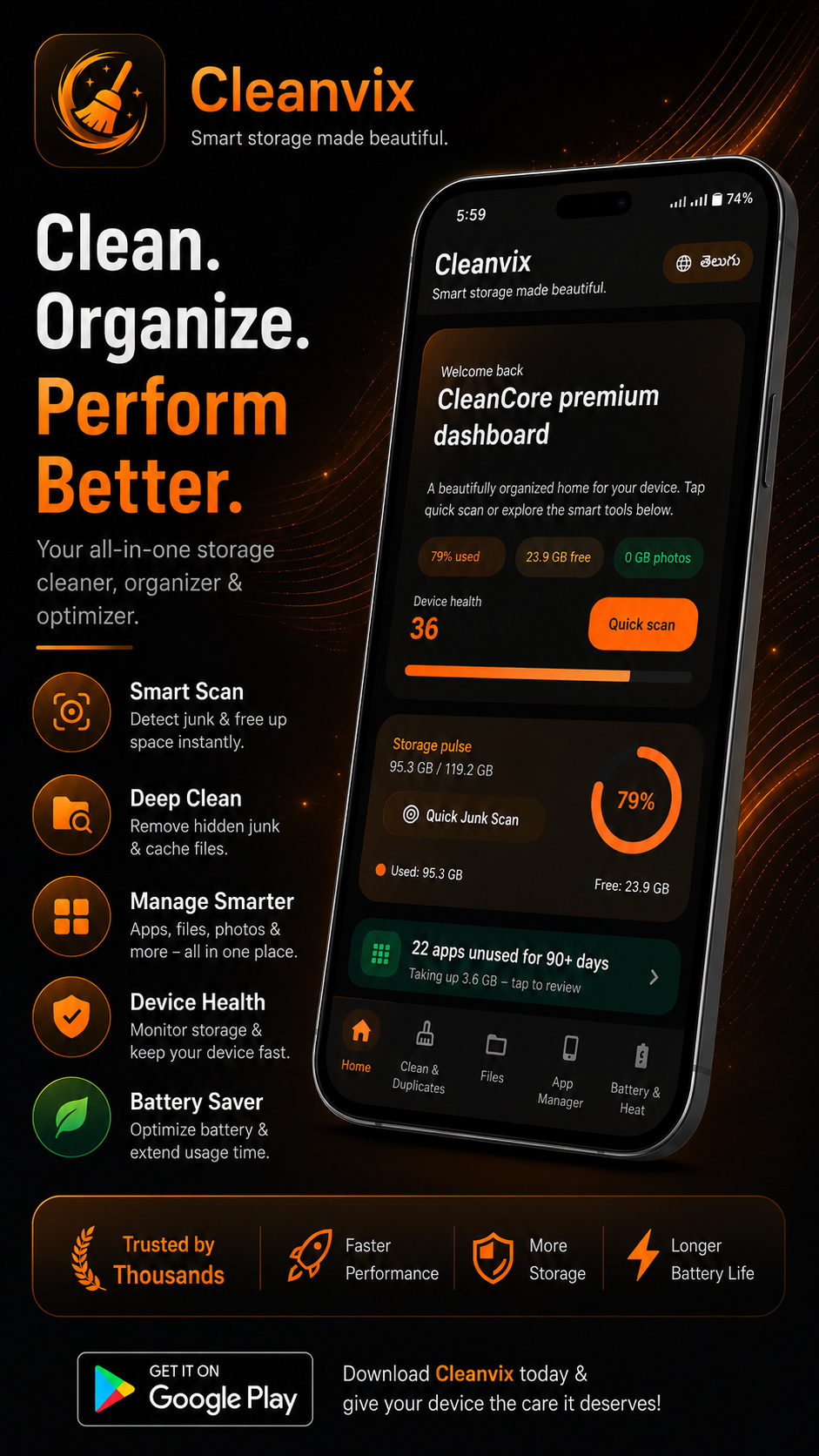
Home dashboard
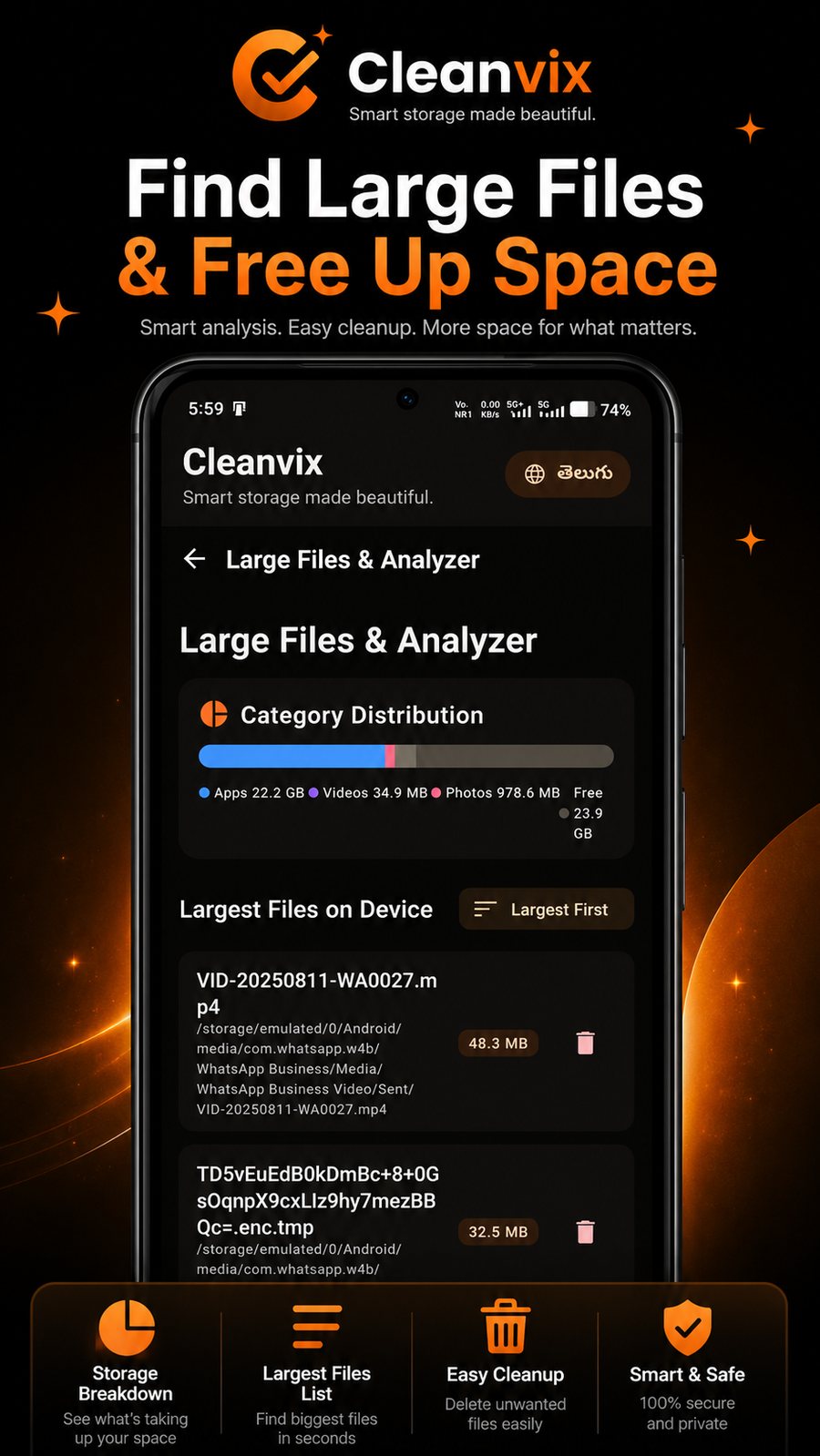
Large Files & Analyzer
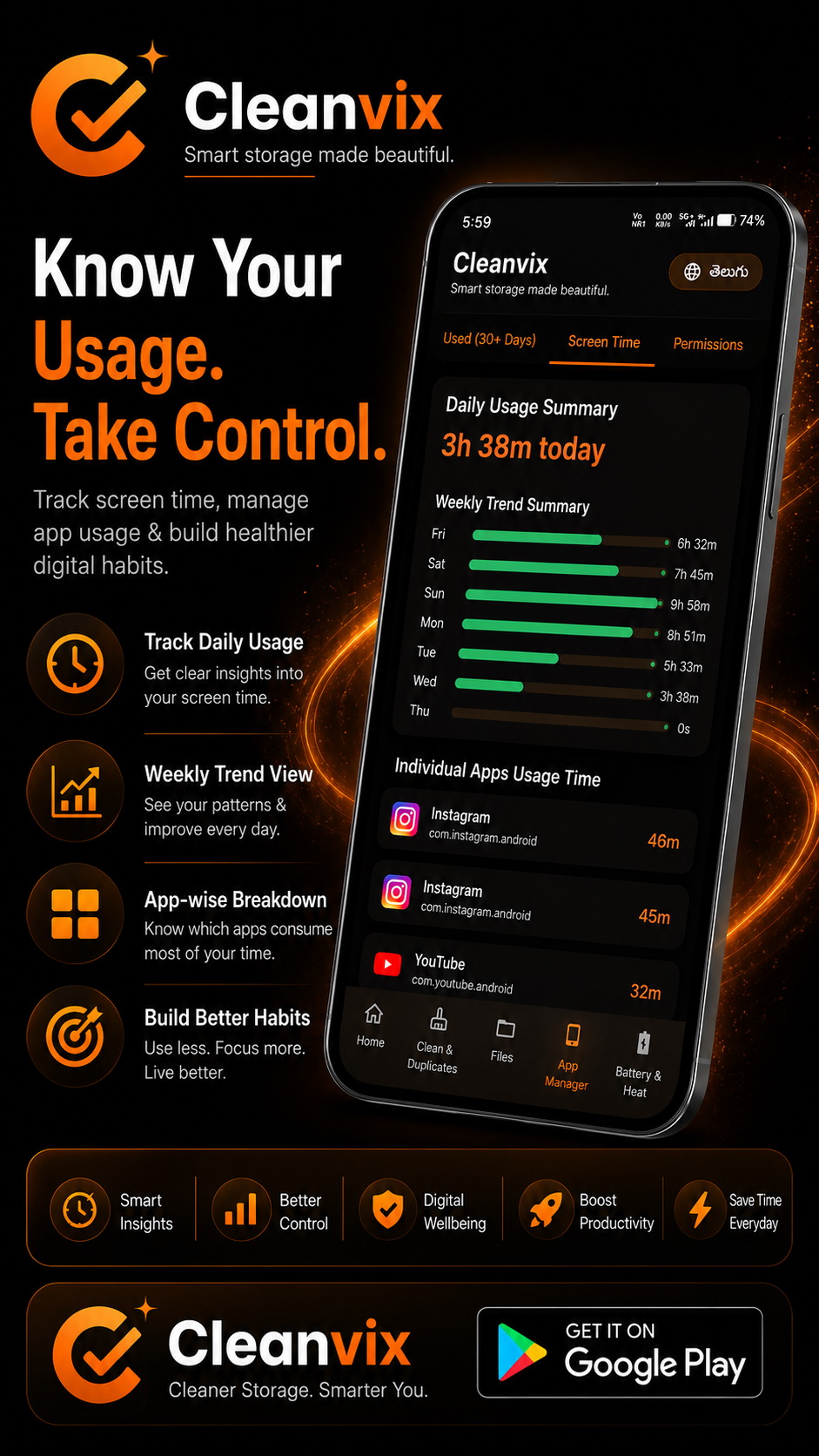
Screen Time

Permission Audit
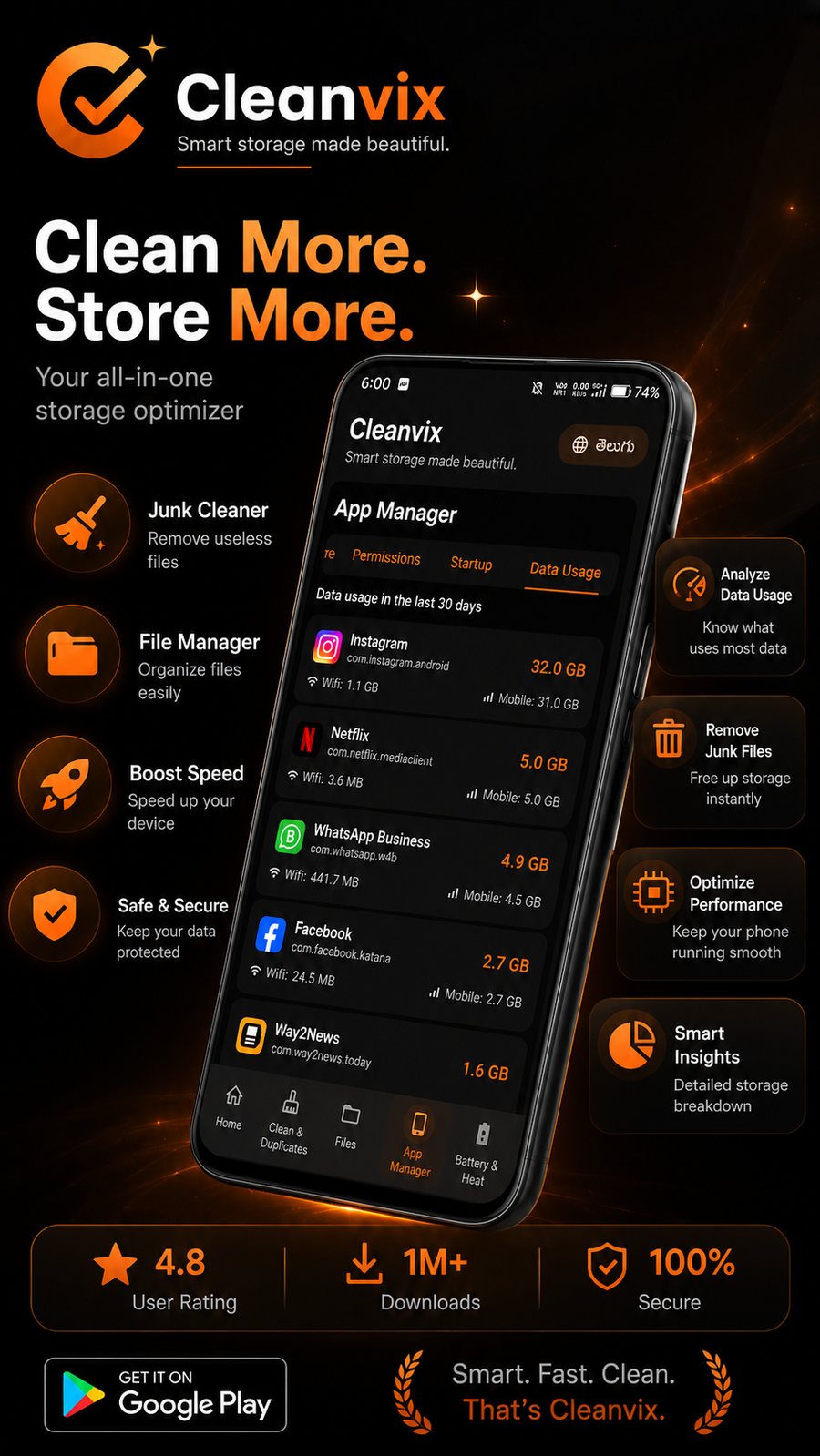
App Manager
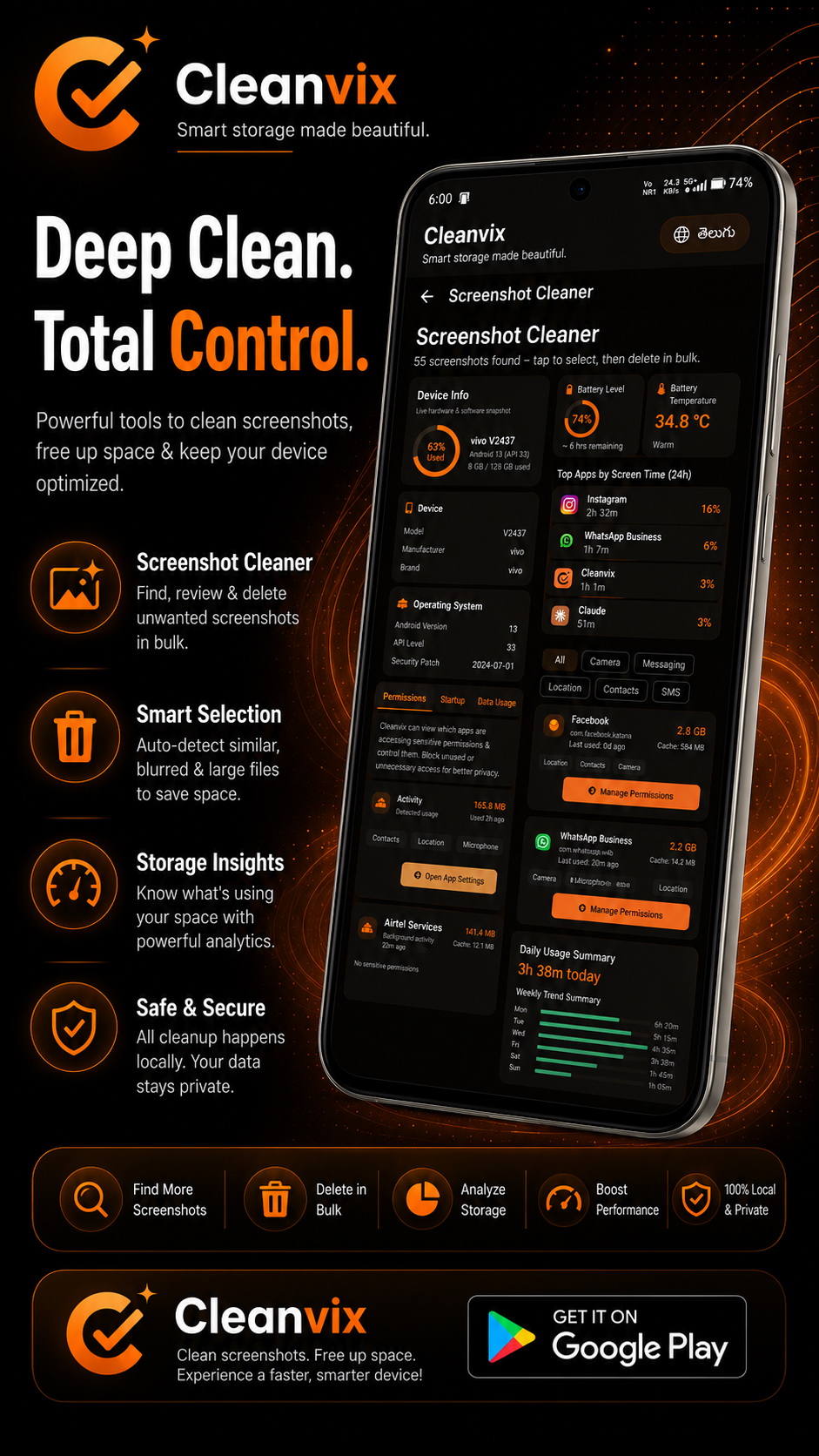
Screenshot Cleaner
The approach
Most "cleaner" apps compete on how big a number they can flash at you. Cleanvix competes on whether that number is true.
Nothing to sign up for, nothing to log into. Install it and it works.
Not "minimal ads" — none. There's no ad framework compiled into the app at all.
Crash and usage reporting (Firebase) only turns on if you flip it on in Settings → Privacy. It never touches your photos, files, or messages, and there's no advertising ID collection — full stop.
Every figure on screen is either a real system reading or explicitly marked unavailable until enough real data exists to show one honestly.
Cache and empty folders are freed immediately — everything else moves to the Recycle Bin for 7 days before it's actually gone.